DEVIA Cable USB-C To Jack 3.5mm 1m (Black)


DEVIA Cable USB-C To Jack 3.5mm 1m (Black)
Caractéristiques
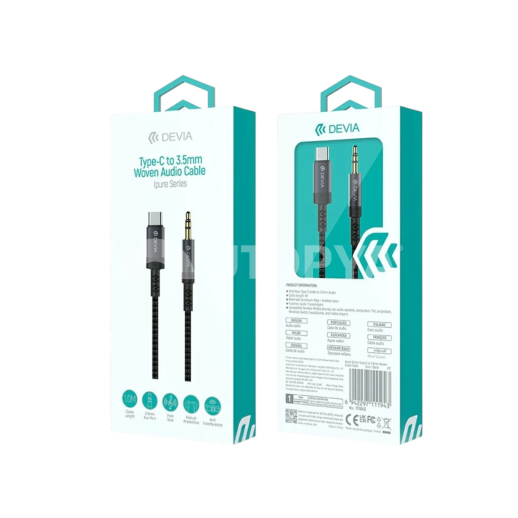
- Brand Devia
- Packaging Retail
- Manufacturer Ref EC620
- SKU 132407
- EAN Code 6942297111943
- Warranty N/A
Product Description
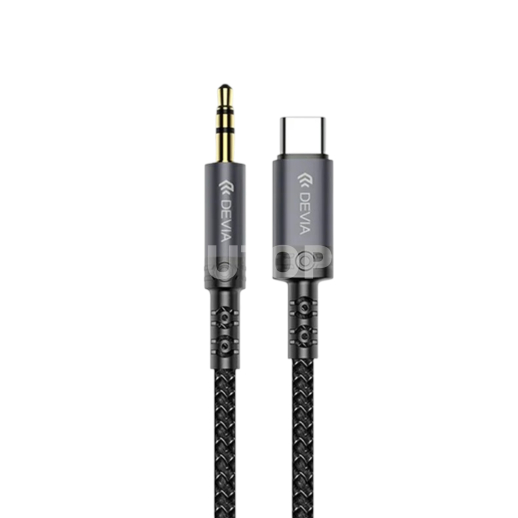
DEVIA iPure Series Braided USB-C to 3.5mm Jack Audio Cable (1m) - Black
Description
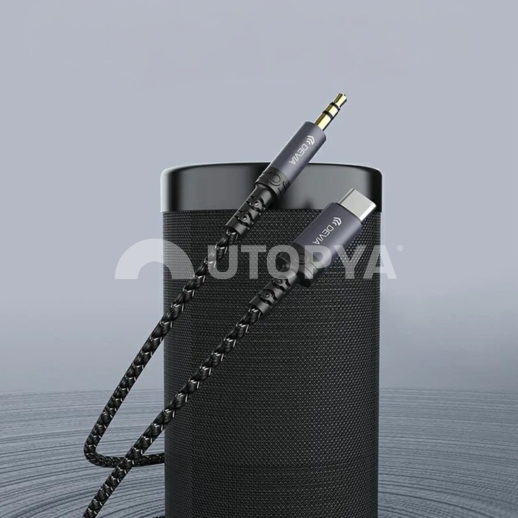
The DEVIA iPure series audio cable is the ideal solution for connecting your smartphones, tablets, or laptops without a jack socket to a car radio, portable speaker, Hi-Fi system, or headphones. Designed to offer high-fidelity sound reproduction, it incorporates a high-performance DAC (digital-to-analogue converter) chip that preserves the clarity of the audio signal, without loss of quality or interference.
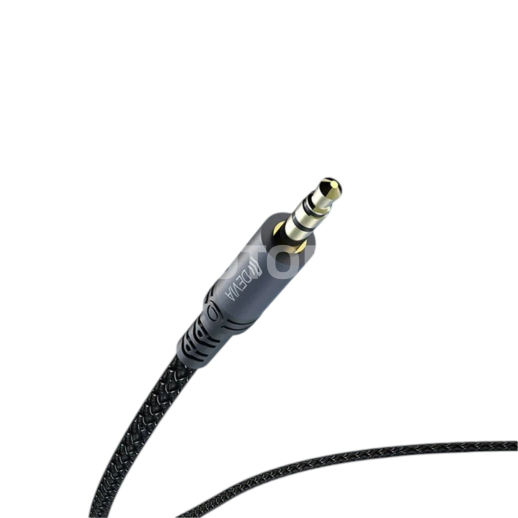
Made with a high-strength braided nylon sheath and featuring reinforced aluminium alloy tips, this 1-metre cable combines exceptional durability with great flexibility. Its tangle-free design and robustness against repeated twisting make it a reliable and long-lasting accessory for daily use at home, in the office, or in the car.
Technical Specifications
- Brand / Range: DEVIA (iPure Series)
- Connector type: USB-C male to 3.5 mm Jack male
- Audio converter: Integrated DAC chip (high-definition digital-to-analogue decoding)
- Length: 1 metre
- Materials: High-density braided nylon sheath & aluminium alloy connectors
- Colour: Black
- Compatibility: Universal (Smartphones, tablets, iPad, PC and MacBook equipped with a USB-C audio port)
- Usage: Audio transmission only (music, podcasts, car AUX, speakers)
Workshop Advice & Usage
To ensure optimal sound quality on your vehicle's car radio or an external speaker, make sure to push the 3.5 mm Jack connector in until it clicks fully into the female socket. This cable incorporates an active audio processor (DAC): when inserted into your smartphone or tablet, the device automatically detects the audio output in a few seconds. If there is no sound, check in your device settings that the audio output is correctly switched to the USB-C device. To extend the life of the cable, avoid pulling sharply on the braid when unplugging and grasp the aluminium connector body directly.