SO-DIMM 16 GB DDR4 Multi-Brand (2400MHz) (Refurb)
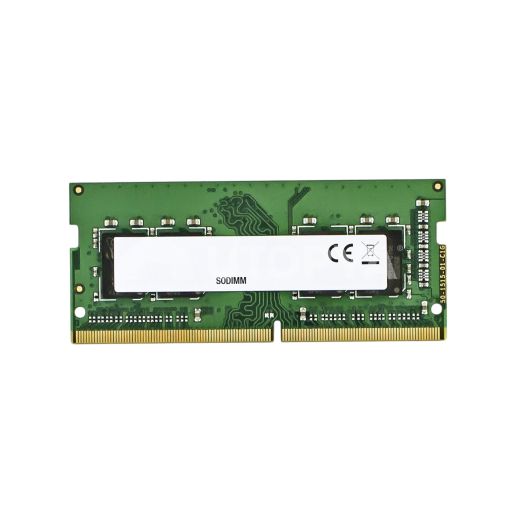
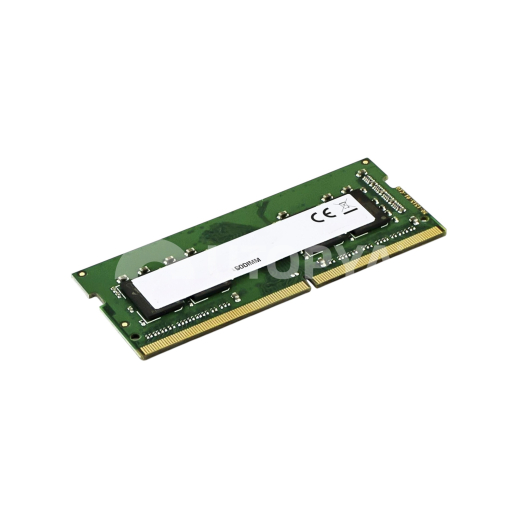


SO-DIMM 16 GB DDR4 Multi-Brand (2400MHz) (Refurb)
Caractéristiques
- Brand N/A
- Capacity 16 GB
- Memory type DDR4
- Storage type N/A
- SKU 156486
- EAN Code 3667075284390
- Warranty N/A
Product Description
16GB DDR4 2400MHz SO-DIMM Laptop RAM Memory - Multi-Brand (Refurbished)
Description
The 16GB DDR4 SO-DIMM RAM memory stick clocked at 2400 MHz is an essential upgrade component to restore fluidity and responsiveness to laptops, mini-PCs, and compact workstations. Ideal for repair workshops, refurbishers, and corporate IT fleets, this multi-brand offer provides original modules from leading memory manufacturers at an optimised cost. This solution helps boost the system's multitasking capacity, accelerate the processing of demanding applications, and extend the lifecycle of existing IT equipment.
Architecturally, this module adopts the standardised 260-pin compact SO-DIMM format. It operates at a clock frequency of 2400 MHz in full compliance with the JEDEC PC4-19200 standard, thus offering high bandwidth for data transfer between the processor and the RAM. Designed to operate at a low voltage of 1.2V, this DDR4 module contributes to better energy efficiency for the laptop, thereby minimising thermal heat production and optimising the device's overall battery life compared to older generations of RAM.
Each refurbished memory stick is rigorously audited and validated on advanced hardware test benches. Selective sorting ensures that only Grade A original chips (from renowned third-party manufacturers such as Samsung, SK Hynix, or Micron) are retained, ensuring a near-zero failure rate and stable latency characteristics for seamless integration.
Technical specifications
- Memory type: DDR4 SDRAM SO-DIMM for laptop
- Capacity: 16 GB (Single module)
- Operating frequency: 2400 MHz (PC4-19200)
- Number of pins: 260 pins
- Operating voltage: 1.2 V
- Brand: Random selection based on stock (Samsung, Hynix, Crucial, Kingston, etc.)
- Product condition: Certified refurbished, 100% tested on test bench
Workshop Advice & Usage
To ensure the overall stability of your client's system and avoid boot failures (black screens, BIOS error beeps, reboot loops), you must check the maximum RAM capacity supported by the laptop's processor and motherboard before purchasing (some older generations limit capacity to 8 GB per slot). If you are installing this 16 GB stick alongside a module already in place, ensure that the frequency characteristics match. Otherwise, the system will automatically align with the slower component, which will throttle overall performance. We recommend blowing out the motherboard slot with dry air and gently cleaning the gold contacts of the stick with an anti-static wipe before final insertion.